
Snooker Scoring App or Video Game? Choose the Right Tool for Your Club
A realistic simulator, a live-results app and a real-table scoreboard serve different needs. Use this checklist to choose software for actual club play.
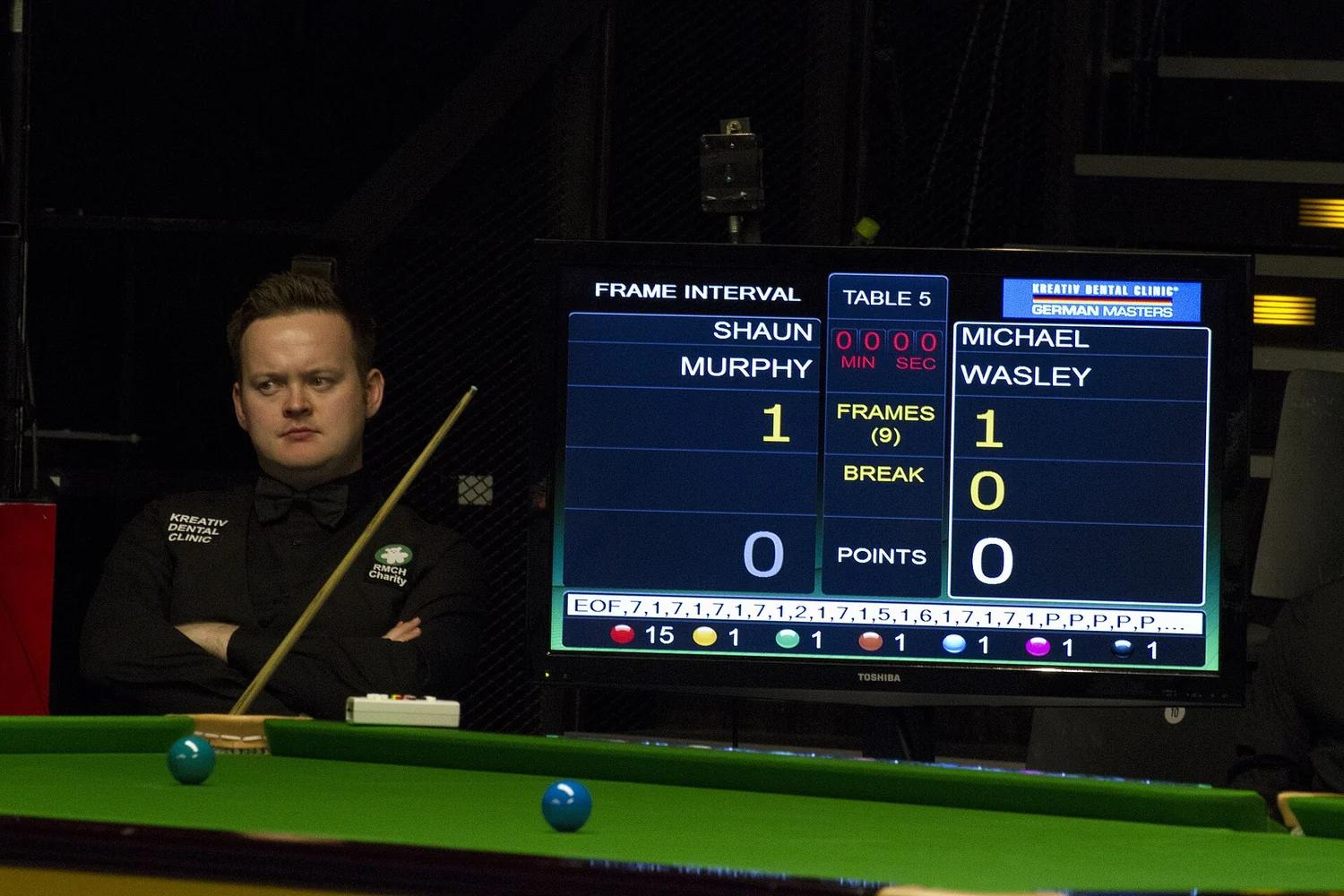
Start with the job you need the app to do
A snooker video game simulates play on a screen. A professional-results app helps fans follow events. A scoring app records what happens on a real table. Club software can add table organization, player records and operating workflows. Similar search results can hide very different products.
Write down your main task before comparing screenshots. Do you want to practise a virtual shot, watch a professional match, count a frame or coordinate several physical tables? An attractive simulator is not a replacement for a shared scoreboard your actual players can see.
Test ordinary scoring before advanced features
Try selecting two players, starting a frame, entering a colour and awarding foul points to the correct opponent. Confirm what happens when a mistake is corrected, a frame finishes or the app reconnects. Everyone should understand the displayed total and whose turn is being managed.
Check the actual devices too. A phone-only interface may be sufficient for two friends, while a club may need a visible TV and a separate control device. Verify the local network, staff access and normal recovery procedure on the hardware you will really use.
How to Choose Snooker Club Management Software: A Feature Checklist
Match features and packages to the operation
SnookerPilot connects a tablet controller with Android TV scoreboards for real club games. Its current packages allow one active table on Starter, three on Club, five on Professional and no product table cap on Unlimited. Club and above add features including queues, tournaments and loyalty. Online access has its own entitlement, so check that separately.
Choose for your actual operation rather than the longest feature list. Confirm supported match formats and how subscription approval behaves during internet interruption. Ask for a demonstration of your normal workflow, including a reconnect, before relying on it during a busy session.
Keep records understandable and recoverable
Use stable player identities, understandable table names and a clear routine for finishing games. Check backup and recovery options and who may change protected settings. A system is easier to run when staff can distinguish a scoring correction from a new game and a local result from an online publication.
Scorekeeping remains dependent on correct human input and the agreed rules. Do not assume automatic ball recognition, coaching analysis or support for every custom event format unless it is explicitly demonstrated. A useful club tool makes the real workflow clearer instead of merely looking impressive in a product screenshot.
At your club with SnookerPilot
Explore SnookerPilot’s packages for a tablet-managed club with shared Android TV scoring, player histories and the features appropriate to your table count. Start with a regular frame and a reconnect demonstration, then assess the queues, tournaments or loyalty your package supports. Keep any special event rules clearly documented.
Compare the packages